Up and running in under 10 minutes
No technical knowledge required. If you can plug in a router, you can set up AXON Pi.
Unbox & Power On
AXON Pi arrives pre-configured and ready to go. Plug it into power and connect the ethernet cable to your router. That's it for hardware setup.
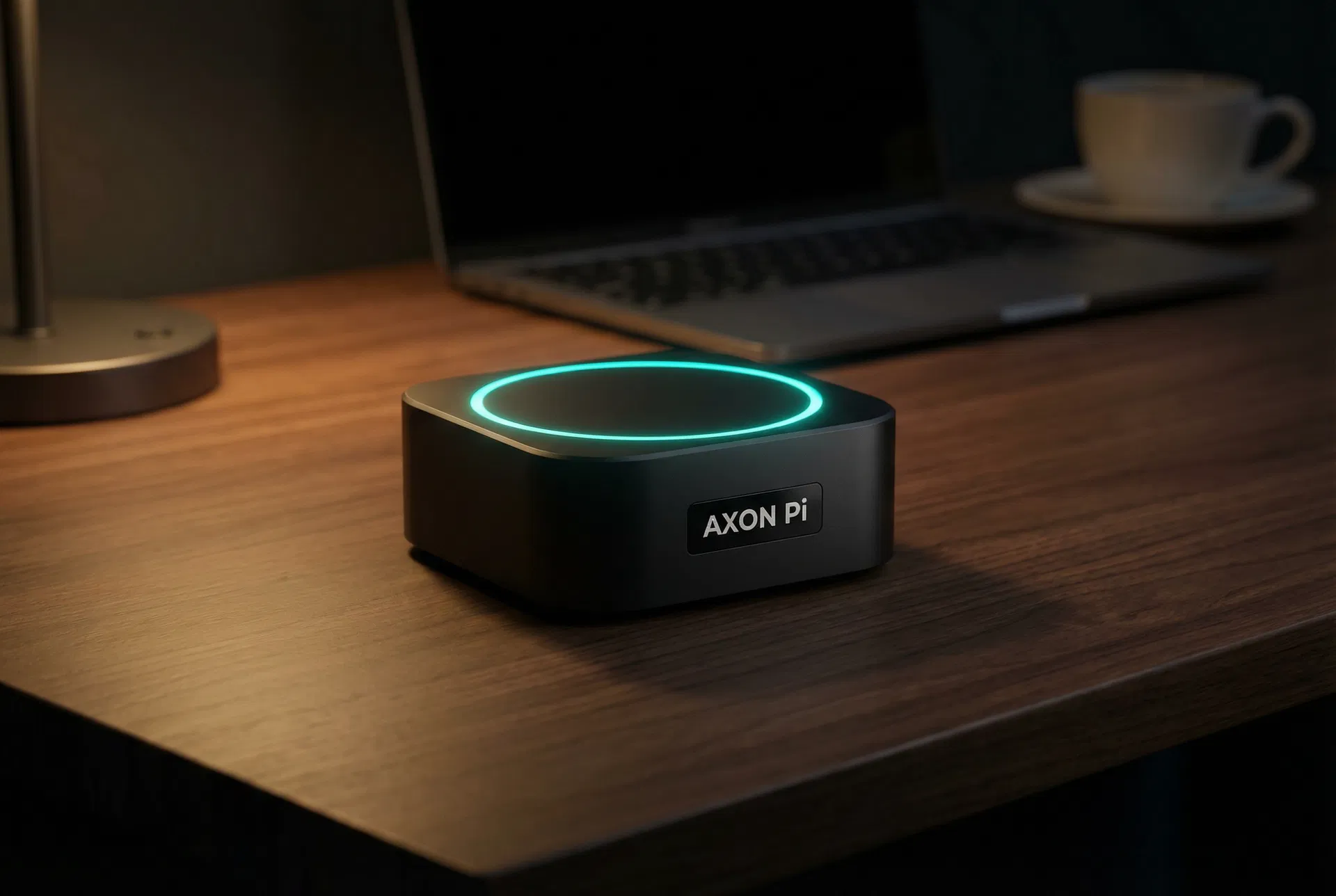
The device boots automatically and the cyan ring on top glows to confirm it's running. No monitor, keyboard, or mouse required.
Connect Your Accounts
Use the simple web setup wizard to connect AXON Pi to your email, calendar, and messaging accounts. Takes about 5 minutes.
All credentials are stored locally on your device. Nothing is sent to Clawbox servers. You're granting access to your own hardware.
Send Your First Message
Open WhatsApp, SMS, or email and send AXON Pi a message. Try: "Clear my inbox of newsletters" or "Book me a table at a nice Italian restaurant tonight."
AXON Pi understands natural language. No commands to learn. Just talk to it like you'd talk to a capable assistant.
Watch It Work
AXON Pi executes the task, reports back with what it did, and asks if you need anything else. It learns your preferences over time.
Complex multi-step tasks are broken down automatically. AXON Pi will ask for clarification when needed and confirm before taking irreversible actions.
It sits quietly. Works loudly.
AXON Pi draws about 5 watts at idle — less than an LED bulb. It runs silently with no fan noise. Most people forget it's there until they need it.
The glowing cyan ring on top is the only visible sign it's running. One pulse means standby. Steady glow means it's working on a task.
Quick answers
What internet speed do I need?
Any standard broadband connection works. AXON Pi's own processing is local, so it only uses internet bandwidth for the tasks it's executing on your behalf (like sending emails or checking websites).
What if my internet goes down?
AXON Pi queues tasks and executes them when connectivity is restored. For time-sensitive tasks, it will notify you of the outage.
Can I use it from my phone?
Yes. You can message AXON Pi from any device, anywhere in the world, using WhatsApp, SMS, or email.
Does it work with my existing email provider?
AXON Pi works with Gmail, Outlook, Apple Mail, and any IMAP-compatible email provider.
What AI model does it use?
AXON Pi runs a locally-optimized version of an open-source large language model. No OpenAI or Anthropic API keys required.