Setting Up AXON Pi in Under 10 Minutes
One of the most common questions we get is: "How hard is it to set up?" The answer is: not hard at all. AXON Pi is designed to be up and running in under 10 minutes, with no technical knowledge required. Here's exactly what to expect.
What's in the Box
Your AXON Pi ships with everything you need to get started:
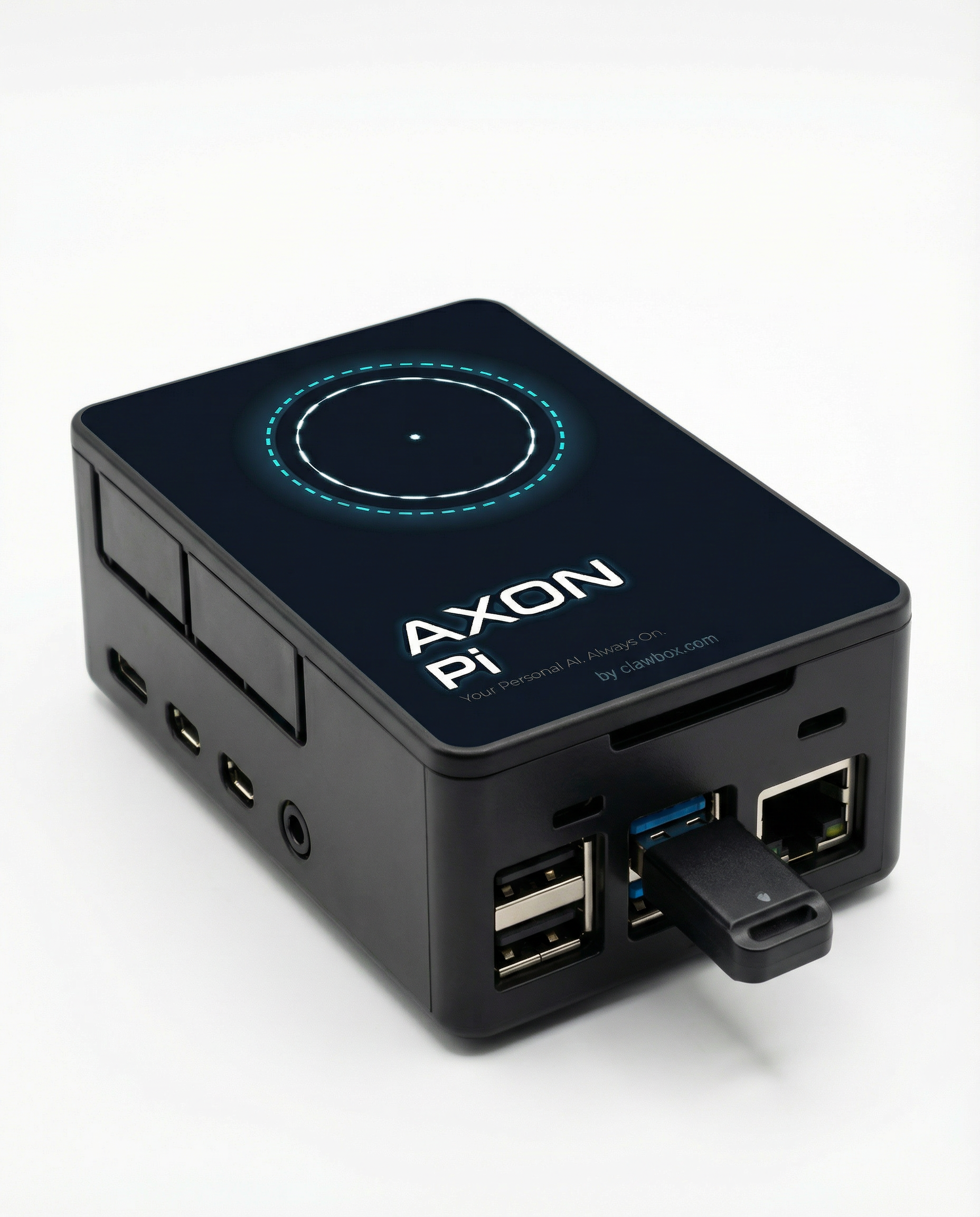
- AXON Pi device (Raspberry Pi 5, 8GB RAM, 256GB NVMe SSD, pre-configured)
- 27W USB-C power adapter
- 1m Ethernet cable
- Quick-start card with QR code
You'll need a router with a spare Ethernet port and a smartphone with WhatsApp installed.
Step 1: Connect to Your Router (1 minute)
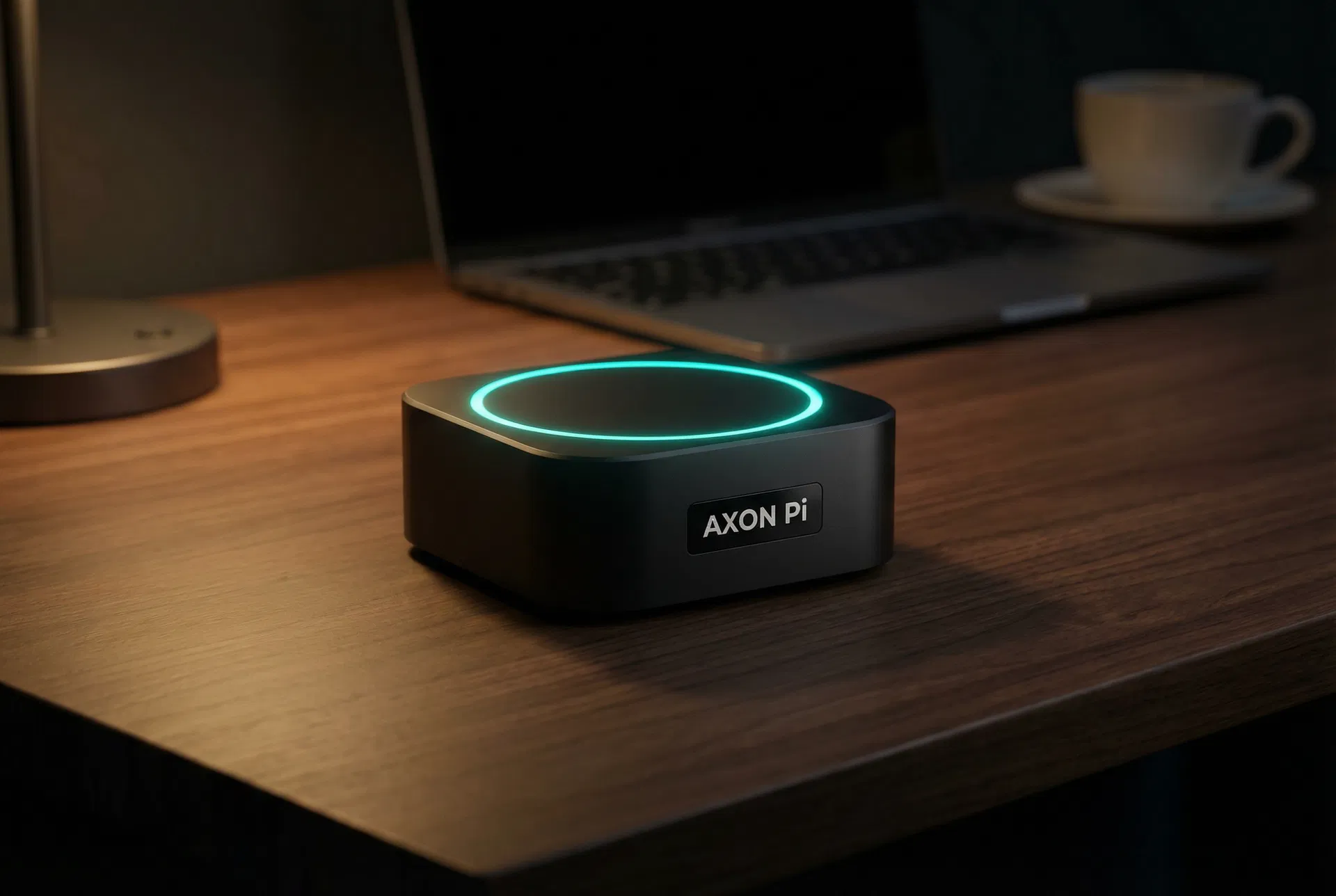
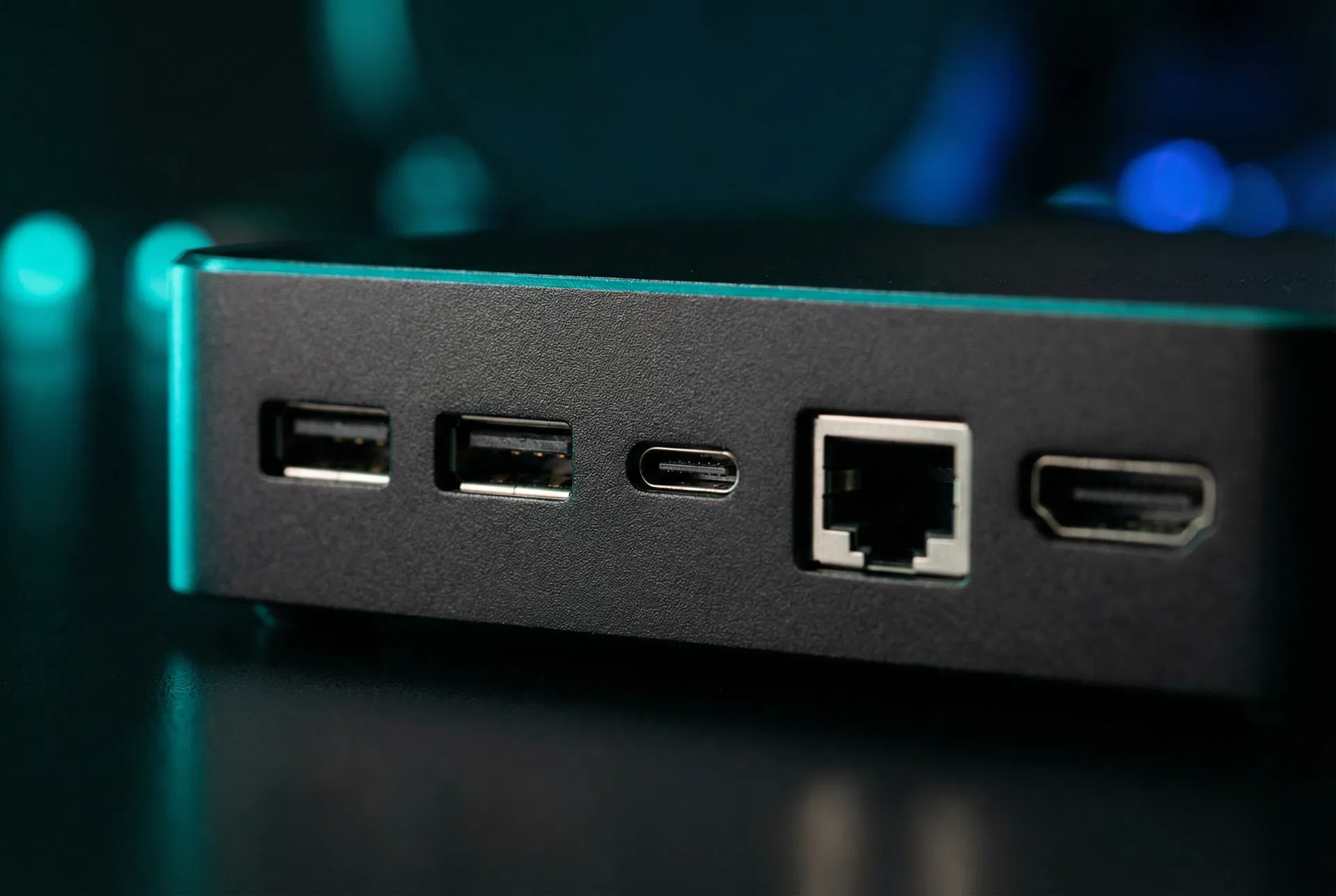
Plug the Ethernet cable into the back of AXON Pi and into a spare port on your router. Then connect the power adapter. The status ring on top will glow amber while it boots — this takes about 45 seconds.
Step 2: Scan the QR Code (2 minutes)
Once the ring turns solid cyan, scan the QR code on your quick-start card with your phone. This opens the AXON Pi setup page on your local network. Enter your Wi-Fi password (optional — Ethernet is recommended for reliability) and your WhatsApp number.
Step 3: Connect Your Accounts (5 minutes)
The setup page walks you through connecting the services you want AXON Pi to manage. Each connection uses OAuth — you authorise access through the service's own login page, so your passwords never touch AXON Pi. Common connections include:
- Gmail or Outlook (for inbox management)
- Google Calendar or Apple Calendar
- Amazon (for order and delivery tracking)
- Your bank or credit card (read-only, for subscription monitoring)
You can connect as many or as few as you like. AXON Pi only accesses what you explicitly authorise.
Step 4: Send Your First Message (1 minute)
AXON Pi sends you a WhatsApp message to confirm the connection. Reply with anything — "What's on my calendar today?" is a good first test. Within seconds, you'll get a response with your schedule for the day.
That's It
From this point on, AXON Pi runs in the background. You can send it tasks via WhatsApp at any time: "Book me a table for two at a good Italian restaurant near me on Friday at 7pm" or "Clear my inbox and summarise anything important." It handles the rest.
If you ever want to add new skills or adjust its behaviour, the setup page is always accessible from any device on your home network at axonpi.local.
Ready to get started? Order your AXON Pi today and it'll be at your door within two to three weeks.